
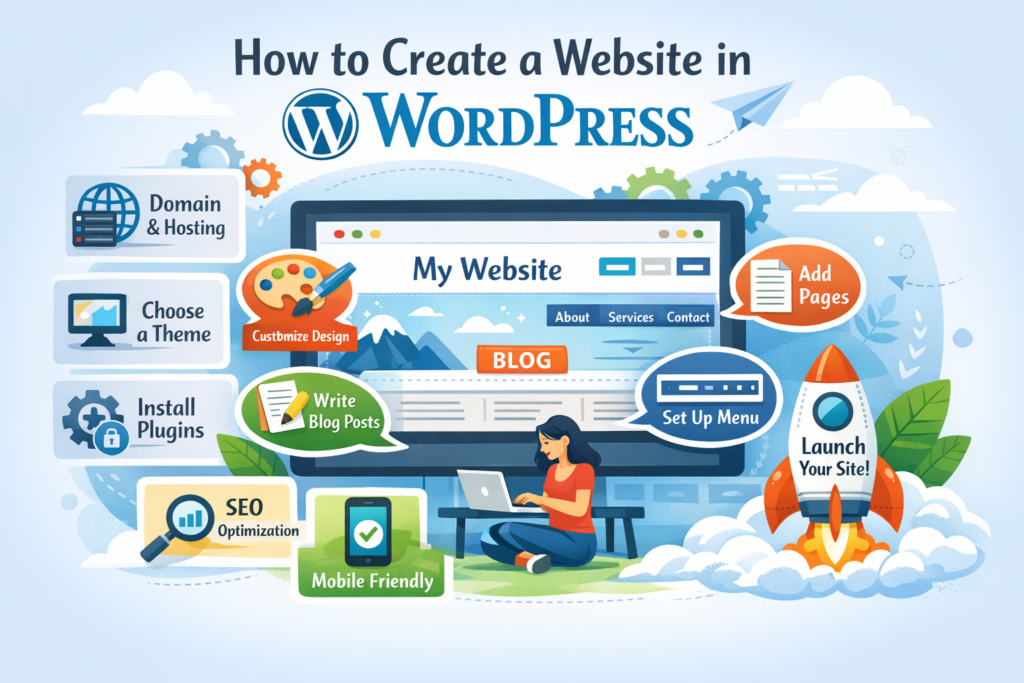
Creating a website used to require coding skills and technical expertise. Today, platforms like WordPress have made it possible for anyone to build a professional-looking site with minimal effort. Whether you want to start a blog, portfolio, or business website, this step-by-step guide will walk you through the process.
Choose Your Website Type and Goal
Before diving into WordPress, decide what kind of website you want to create. Ask yourself:
Is it a blog, business site, or online store?
Who is your target audience?
What features will you need?
Having a clear goal helps you make better design and content decisions later.
Install Essential Plugins
Plugins add functionality to your website. Some must-have types include:
SEO plugins (to rank on search engines)
Security plugins (to protect your site)
Backup plugins (to save your data)
Performance plugins (to speed up your site)
To install:
Go to Plugins → Add New
Search for the plugin
Click Install → Activate
Choose a Theme
A theme determines your website’s design and layout.
How to Install a Theme:
Go to Appearance → Themes
Click Add New
Search for a theme you like
Click Install → Activate
You can choose from:
Free themes (available in the WordPress library)
Premium themes (more features and customization)
Final Thoughts
Creating a WordPress website is easier than ever. With the right tools and a bit of practice, you can build a stunning and functional website without coding.
Start small, keep improving, and don’t be afraid to experiment. Your website will grow along with your skills.